Contents · 7 sections
Your menu has 45 dishes. Do you know which 5 make you money and which 10 lose you money? You don't. Because you look at the menu as a "list of dishes", but in reality the menu is a sales tool.
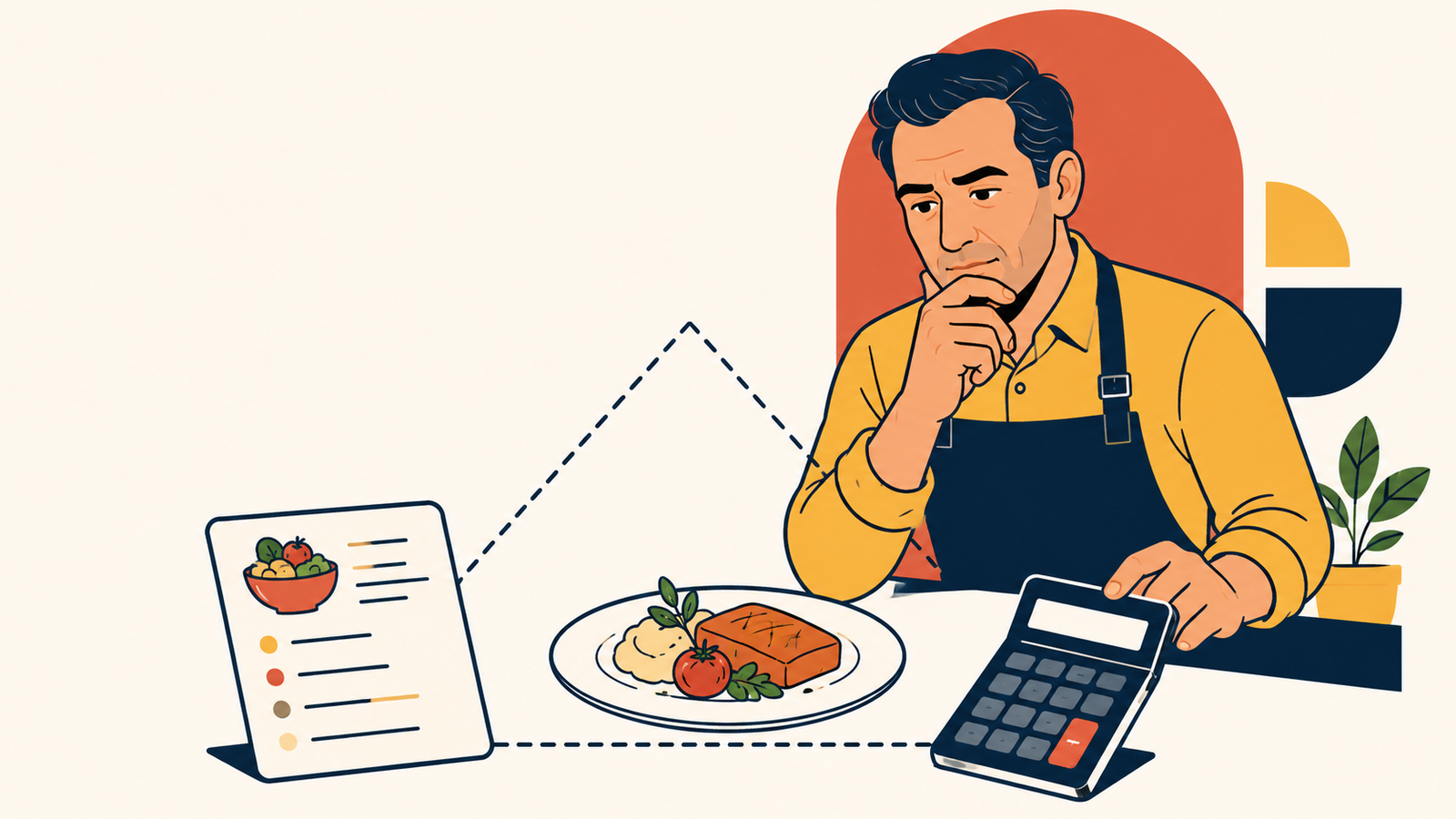
Menu engineering — evaluating each dish by 2 measures: how much it sells (popularity) and how much it earns (profitability). When you combine these two measures, 4 categories emerge — and each of your dishes falls into one of these 4 categories.
In this article, I'll teach you this system from scratch. No MBA needed. A calculator and Excel are enough.
The Menu Matrix — 4 categories
This system was adapted for the restaurant sector based on the famous matrix of the Boston Consulting Group (BCG). Each dish has 2 indicators:
- Popularity: Does it sell a lot or a little?
- Profitability (contribution margin): How much profit remains from each portion?
Based on these two indicators, there are 4 categories:
| High Profit | Low Profit | |
|---|---|---|
| Sells a lot | ⭐ STAR (Star) | 🐴 PLOWHORSE (Plowhorse) |
| Sells a little | 🧩 PUZZLE (Puzzle) | 🐕 DOG (Dog) |
⭐ STAR — Sells a lot + Earns a lot
This is the hero of the menu. It must be protected. Don't raise its price (for now), don't lower its quality, keep it in a visible place on the menu.
🐴 PLOWHORSE — Sells a lot + Earns a little
It's popular, but it puts little money in your pocket. Strategy: either reduce its food cost (cheaper ingredients, portion optimization), or raise its price a little, or pair it with a high-margin side dish (make it a combo).
🧩 PUZZLE — Sells a little + Earns a lot
It makes money, but nobody orders it. Strategy: increase its visibility — place it in a better spot on the menu, have the waiter recommend it, stick a "chef's choice" label on it, promote it on social media.
🐕 DOG — Sells a little + Earns a little
It neither sells nor earns. Strategy: kill it. Remove it from the menu. It takes up space, forces you to keep stock, slows down the kitchen. Don't get sentimental — don't say "but this is our classic." If it doesn't sell and doesn't earn — it has no place on the menu.
Step by step: How to do a menu analysis?
Step 1: Collect sales data
From the sales report of the last 3 months, extract the sales count of each dish. If you have a POS system — this is automatic. If you don't have a POS — you have to count manually (but seriously, buy a POS).
Step 2: Calculate the contribution margin of each dish
Contribution Margin = Selling price - Food cost
Example:
- Chicken Sac: Selling 18₼, Food cost 5.43₼ → CM = 12.57₼
- Qiymə kebab: Selling 14₼, Food cost 6.80₼ → CM = 7.20₼
Step 3: Calculate the averages
- Average popularity: Total sales count of all dishes ÷ number of dishes
- Average CM: The average value of the CMs of all dishes
Step 4: Place each dish in the matrix
| Dish | Sales (month) | CM (₼) | Popularity | Profitability | Category |
|---|---|---|---|---|---|
| Chicken Sac | 320 | 12.61 | High | High | ⭐ Star |
| Minced kebab | 280 | 7.20 | High | Low | 🐴 Horse |
| Veal medallion | 45 | 18.50 | Low | High | 🧩 Puzzle |
| Vegetable gratin | 22 | 4.30 | Low | Low | 🐕 Dog |
Now each dish has a strategic plan.
Menu design — where does the eye look?
The second part of menu engineering is visual placement. Research shows that the human eye looks first at certain points on a menu:
Single-page menu: The eye starts in the middle, then goes to the top right, then to the top left.
Bifold menu: The eye first looks at the top center of the right page — this is called the "golden triangle". Place the highest-margin dishes here.
Trifold menu: The eye first looks at the top of the middle panel.
Practical rules:
- Place the most profitable dishes at the point the eye touches first — top right or top center.
- Emphasize with a box. Draw a subtle frame around the highest-margin dish — the eye automatically goes there.
- Add a "Chef's recommendation" label. This is ideal for dishes in the puzzle category — profitable but low-selling, the label increases sales.
- Do not write prices in a straight (column) line. If prices are written in a straight column on the right, people look for the cheapest one. Write the price at the end of the dish description, without a period — it directs attention to the dish, not the price.
- Do not include the currency symbol (₼). Research shows that a currency symbol reminds people of the feeling "I am spending money." Just write the number: "18" — not "18₼".
Upselling — waiter sales
The third leg of menu engineering is waiter sales. The menu is set up correctly, but if the waiter says "what would you like?" and waits — half of the engineering is lost.
What should the waiter do?
- Actively recommend puzzle dishes. "Our chef's special today is the veal medallion, I highly recommend it" — this sentence is a sales sentence.
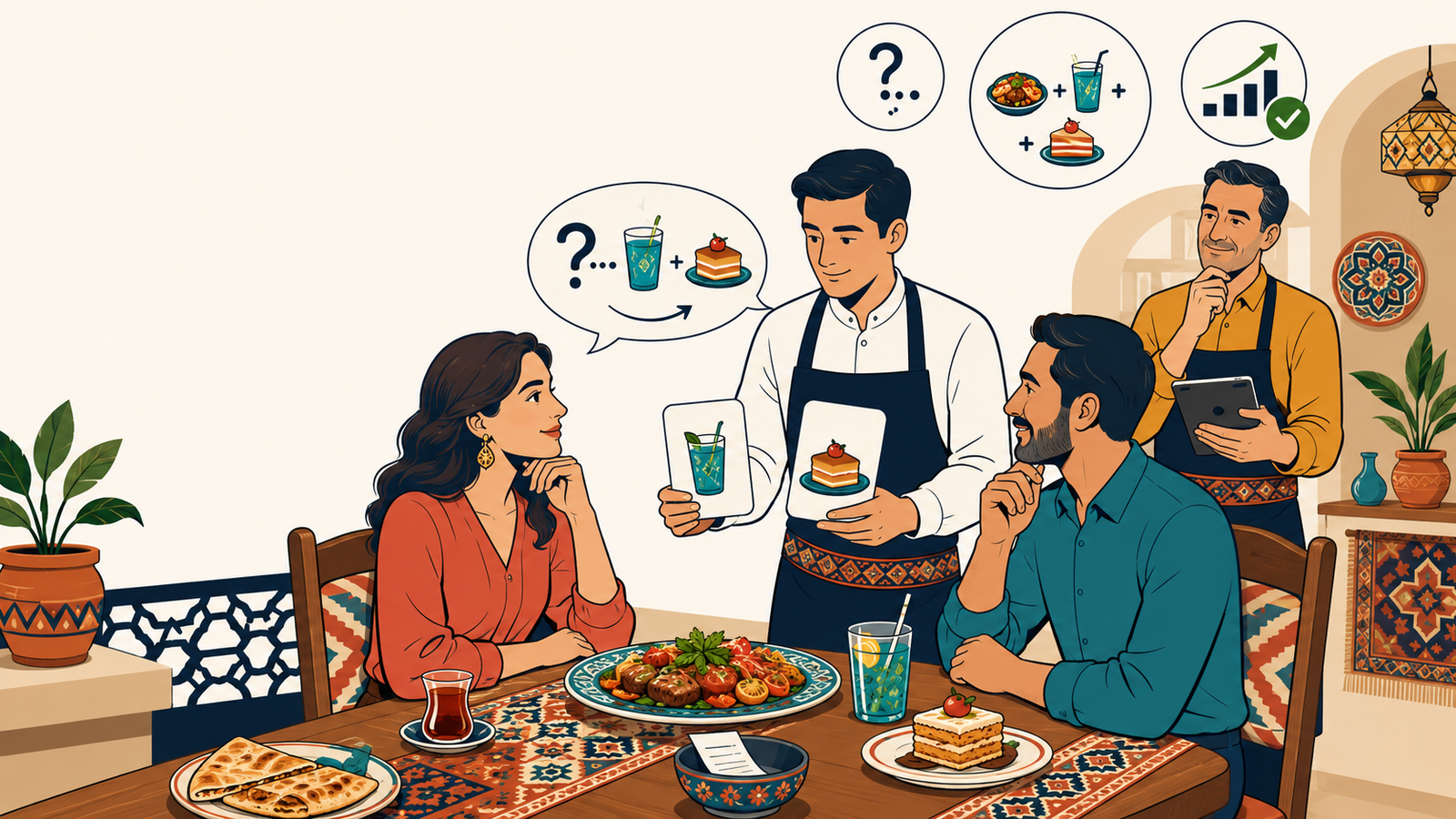
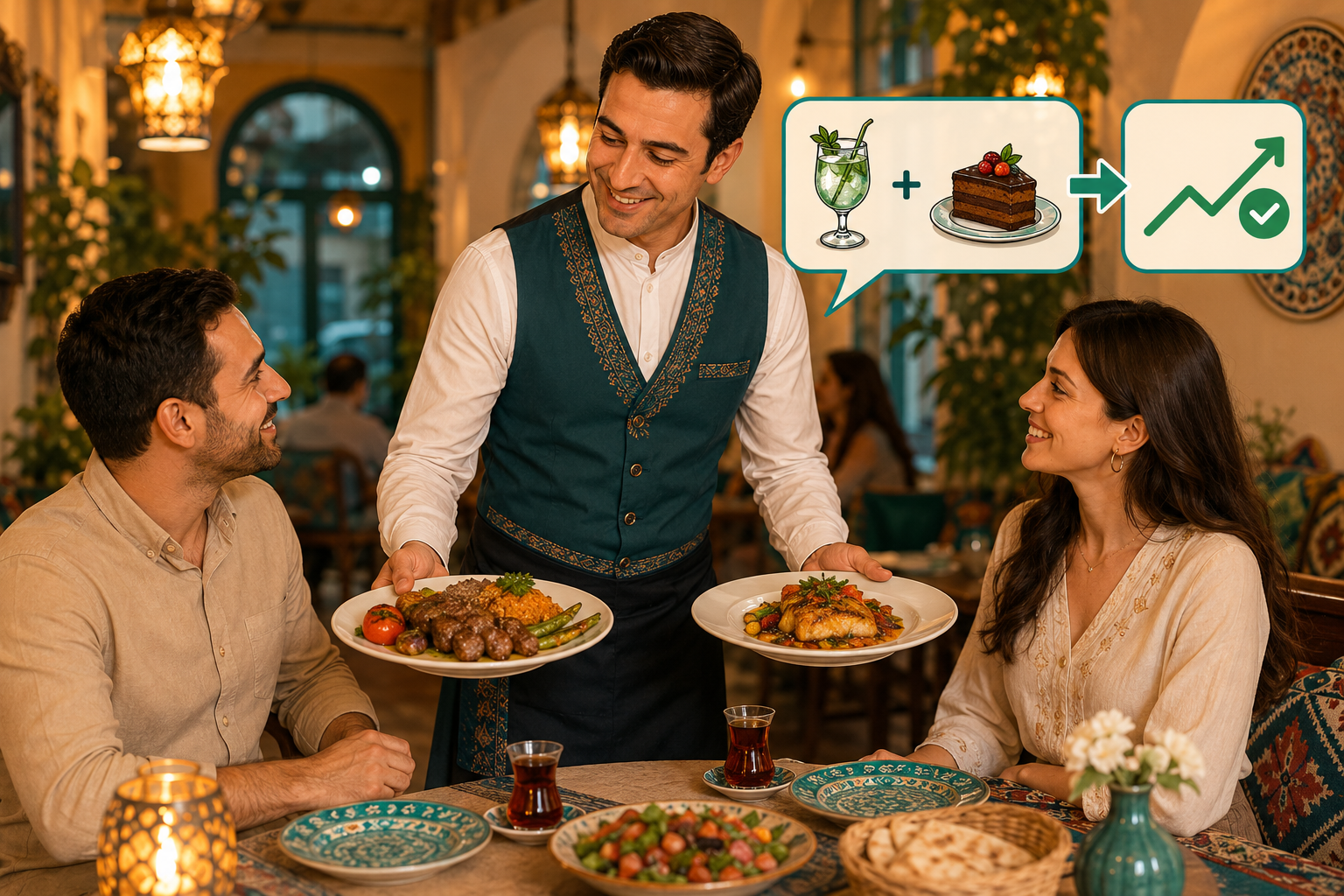
- Offer dessert and drinks — TO EVERY TABLE. Not "Would you like dessert?" — but "Our cheesecake is excellent today, shall I bring one to share?" — specific, descriptive, call-to-action.
- Offer a combo. "You ordered kebab — would you like a drink with it? Our ayran is made in-house" — this is cross-selling.
Menu size — "too much" is always "bad"
Many restaurants in Baku operate with excessively long menus. This is a disaster. Why?
- Stock bloat: Keeping ingredients for 80 dishes = large warehouse, many refrigerators, lots of waste
- Kitchen slows down: A chef can't memorize 80 dishes, quality drops
- Customer gets confused: Choice paradox among 80 dishes — too much choice = inability to choose at all = dissatisfaction
- Food cost increases: Ingredients for slow-selling dishes spoil
Ideal menu size:
| Restaurant type | Ideal number of dishes |
|---|---|
| Fast-casual | 15-20 |
| Casual dining | 25-35 |
| Fine dining | 12-20 |
| Café | 15-25 |
| Kebab house / specialty concept | 10-15 |
📝 DOĞAN'S NOTE: "When I see an 80-dish menu, I know that restaurant has 'a little of everything,' but nothing 'good.' The best restaurants operate with 20-30 dishes — but each one is perfect. Few but good > many but average."
 — Doğan Tomris
Menu update calendar
You create the menu once and forget it? Big mistake.
| Frequency | What to do |
|---|---|
| Every week | Check sales data — what's up, what's down? |
| Every month | Update food cost — if prices have changed, recalculate the menu matrix |
| Every 3 months | Do a menu analysis — remove the dogs, promote the puzzles, test a new dish |
| Every 6 months | Seasonal menu update — spring/summer menu |
| Once a year | Full menu audit — design, pricing, category balance |
MENU ENGINEERING CHECKLIST
| # | Step | Status |
|---|---|---|
| 1 | Calculate the food cost of each dish (from the recipe card) | ☐ |
| 2 | Calculate the contribution margin of each dish | ☐ |
| 3 | Collect the last 3 months of sales data (from the POS) | ☐ |
| 4 | Build the menu matrix: Star, Horse, Puzzle, Dog | ☐ |
| 5 | Remove the dogs from the menu | ☐ |
| 6 | Place the puzzles in a more visible spot on the menu | ☐ |
| 7 | Optimize the food cost of the horses or raise their price | ☐ |
| 8 | Give the waiters a list of "dishes to sell" | ☐ |
| 9 | Place the most profitable dish in the golden triangle in the menu design | ☐ |
| 10 | Write prices without currency symbols, not in a column | ☐ |
💡 DK Agency: Is doing the menu analysis yourself difficult? Enter your sales count and food cost into DK Agency's free Menu matrix tool — it shows the step for each dish: keep, adjust the price, promote, or remove. We offer consulting services for menu optimization, pricing strategy, and waiter sales training.
📧 info@dkagency.com.tr | 🔧 Menu matrix | 🌐 Marketing Ocağı
How DK Agency helps
If what this post describes is happening in your restaurant, café or hotel, write to us: we will look at it together and show you the first step. The first diagnostic is free.
Ask KAZAN AI about this topic
Your dish, your numbers. KAZAN AI answers from the DK knowledge base and points you to the right tool.
Open KAZAN AI